Wireless Charging Misalignment: How a 2mm Shift Cuts Speed
- Share
- Issue Time
- Jan 20,2026
Summary
Wireless charging speed depends heavily on coil alignment, so even a small off-center shift can reduce coupling efficiency, increase heat, and trigger thermal throttling. This article explains why misalignment happens in daily use, how to spot it with a quick test, and simple fixes to keep wireless charging faster and more stable
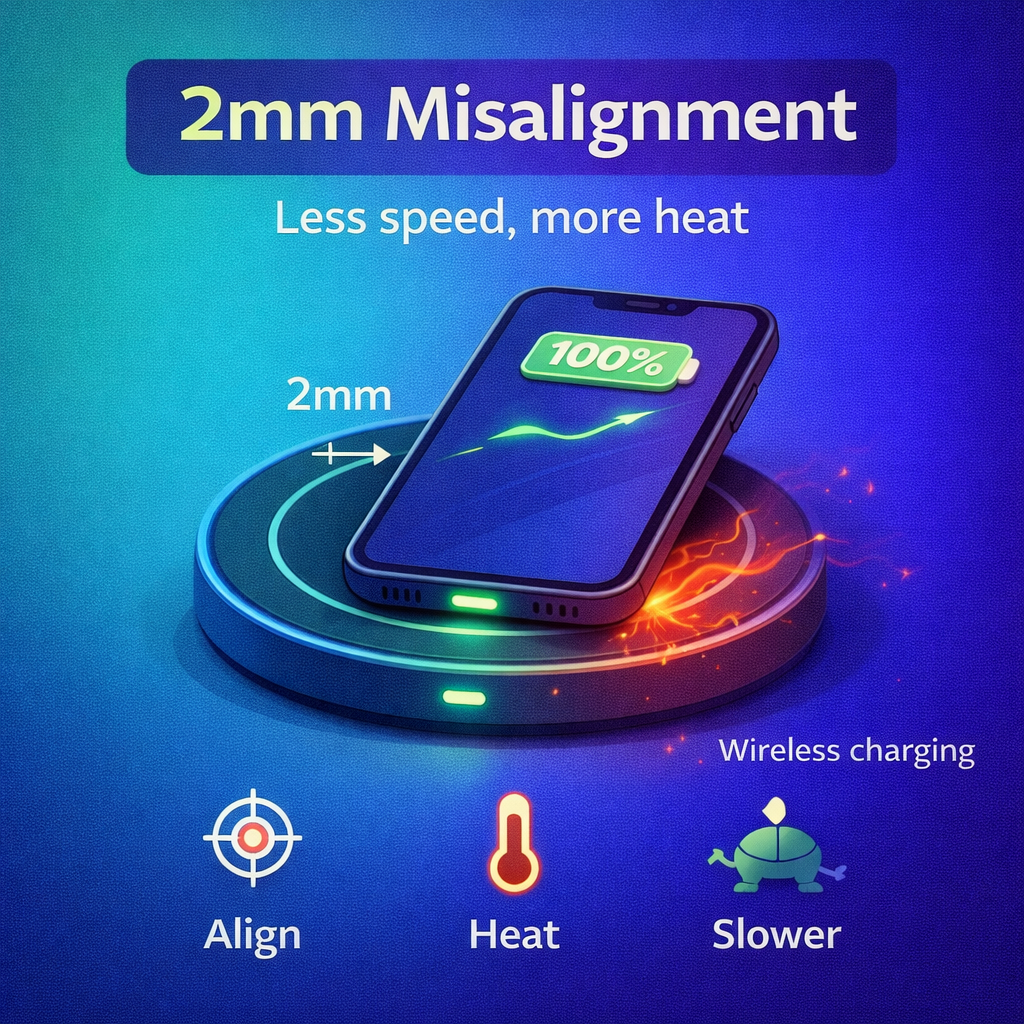
Wireless Charging Misalignment: How a 2mm Shift Cuts Speed
Wireless charging looks simple: place the phone on a pad and it charges. In reality, it is a precise alignment game. A small shift can reduce charging speed because wireless power transfer depends on how well two coils line up and how much energy is lost as heat.
The Core Idea
Wireless charging speed depends on coil alignment. Small offsets reduce coupling and increase heat, which forces throttling.
The Result
You still see the charging icon, but the system silently drops into a lower power mode to stay stable and safe.
Wireless Charging Is Coil-to-Coil, Not Magic
Inside the phone is a receiving coil. Inside the charger is a transmitting coil. When they are aligned, the magnetic field couples efficiently and the system can deliver higher power. When they are off-center, coupling drops and the charger must reduce power to stay stable and safe.
Why a Tiny Offset Matters
A few millimeters can move the strongest part of the magnetic field away from the receiver coil. The phone still shows the charging icon, but the system may shift into a lower power mode. You experience it as "it charges, but slowly".
The Heat Trap
Off-center charging wastes more energy as heat, and heat triggers throttling. Misalignment can cause both lower efficiency and a second slowdown from temperature limits.
Common Real-World Causes
| Cause | What It Does | What You Notice |
|---|---|---|
| Thick cases or metal attachments | Increases distance or disrupts alignment | Slower charging, warmer pad |
| Camera bump tilt | Lifts part of the coil away | Charging starts, then slows |
| Small pad or narrow sweet spot | Makes alignment sensitive | Speed changes with tiny movements |
| Using the phone while charging | Constantly shifts the coil position | Unstable speed, extra heat |
| Soft surfaces that allow sliding | Position drifts over time | Slow charge after a while |
How to Get Stable Speed Without Guessing
Center the phone and stop touching it for 10 seconds. Remove thick cases or metal attachments. Use a stand-style charger that locks alignment, choose a pad sized for your phone and coil position, and keep the pad on a hard surface so the phone does not drift.
A Quick Test to Confirm Misalignment
Start charging, then slide the phone slowly in small circles. If speed or temperature changes quickly, alignment is the bottleneck. If nothing changes, your limit may be the charger rating, phone support level, or the power adapter feeding the pad.
Wireless charging can be fast, but it rewards precision. Better alignment creates less heat and keeps speed more stable.
For wireless charging accessories designed for stable alignment and real-world performance, visit