Why Your Power Bank Charges Your Friend’s Phone Faster Than Yours
- Share
- Issue Time
- Jan 6,2026
Summary
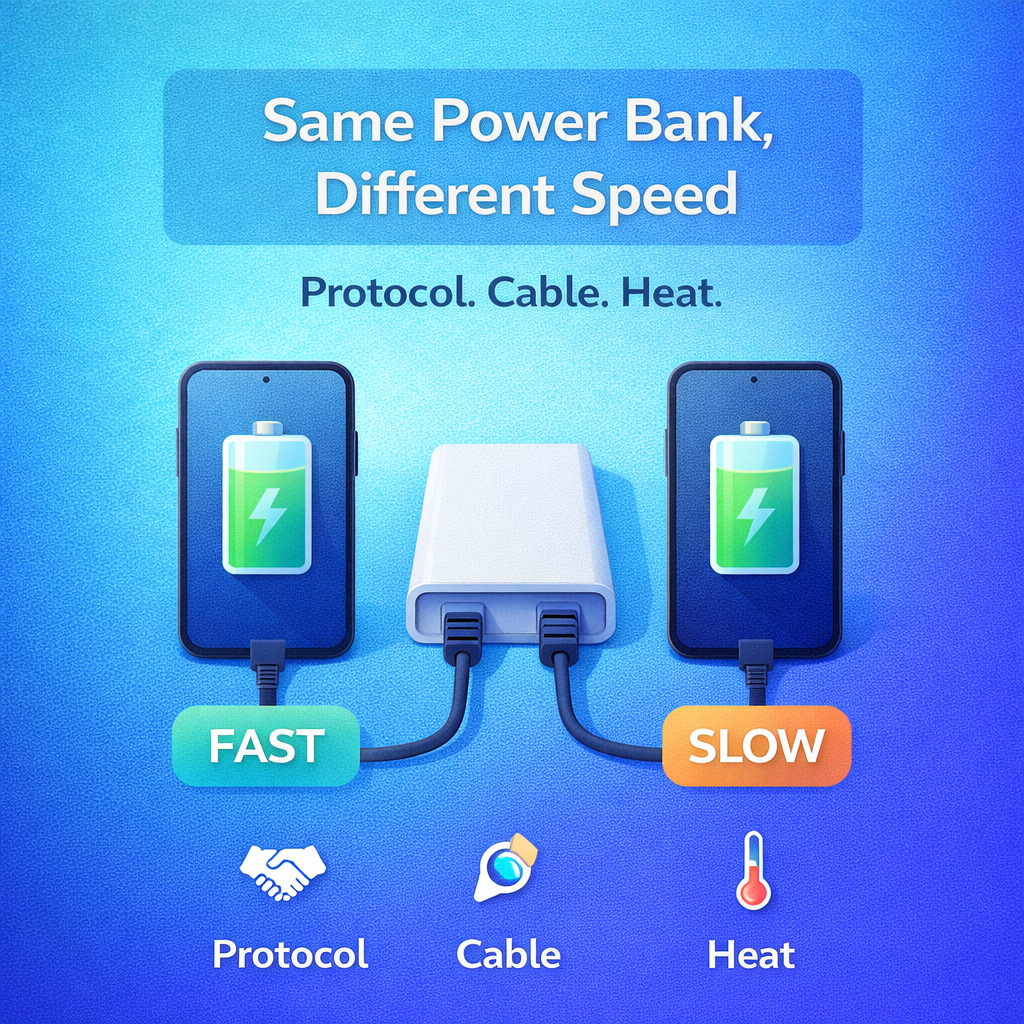
The same power bank can charge two phones at very different speeds because fast-charging protocols, port capability (USB-C vs USB-A), cable resistance, battery temperature, and starting percentage all change how much power a phone will accept. This article explains the real reasons and offers a quick method to isolate the bottleneck.
Why Your Power Bank Charges Your Friend’s Phone Faster Than Yours
It feels unfair: the same power bank charges your friend’s phone quickly, but your phone crawls. Most of the time, the power bank is not "good" or "bad". The speed difference comes from charging negotiation, cable limits, and how your phone controls heat and battery stress.
Core Reason
Charging speed depends on the entire system: phone protocol, port capability, cable limits, and temperature.
The Fastest Fix
Use the same port and the same cable, and start at a similar battery percentage to compare fairly.
Different Phones Speak Different Fast-Charging "Languages"
Fast charging is not one universal system. Phones use different protocols and voltage/current profiles. If your friend’s phone supports the power bank’s preferred fast-charging mode, it will ramp up faster. If your phone falls back to a basic mode, it will charge slower even on the same port.
USB-C Versus USB-A Can Change The Outcome
Many power banks have multiple ports, but not all ports behave the same. A USB-C port may support USB-C PD, while a USB-A port may only support specific fast-charge modes or lower stable output. If your friend uses the "best" port by accident, the speed gap can look dramatic.
Cable Quality Can Cap Speed Silently
A cable can be the bottleneck. Some cables have higher resistance, weaker connectors, or limited current rating. Even if the power bank can output more, a poor cable forces the system to lower power for stability and safety.
Common Reality
The same power bank can feel fast or slow depending on the cable. A cable with high resistance can force a lower, safer power level.
Heat And Battery Health Can Force Your Phone To Slow Down
Your phone controls charging speed based on heat and battery condition. If your battery is warm, aged, or already near a higher state of charge, your phone may reduce power to protect the battery. Your friend’s phone might be cooler, newer, or at a lower starting percentage, so it accepts higher power for longer.
Your Case And Usage During Charging Matter
Charging while gaming, video calling, or using GPS adds heat. Thick cases can trap heat. Heat makes the phone throttle charging. Two phones can look identical on the outside but behave very differently based on what the user is doing.
Starting Percentage Changes The Perceived Speed
Most phones charge fastest from low battery levels and slow down as they approach mid-to-high levels. If your friend starts at 10% and you start at 55%, the speed difference can be huge, even with the same power bank and cable.
A Five-Minute Troubleshooting Method
| Step | What To Do | What It Tells You |
|---|---|---|
| 1 | Use the same port (prefer USB-C PD if available) | Port capability may be the difference |
| 2 | Use the same cable for both phones | Cable resistance or rating may be capping speed |
| 3 | Start at a similar battery percentage | Charging curve differences may explain the gap |
| 4 | Pause heavy apps and let phones cool briefly | Heat throttling may be the main limiter |
| 5 | Compare results after 3 to 5 minutes | Negotiation and conditions explain most differences |
A power bank is only as fast as the entire system allows. When you match the right port, the right cable, and the right phone protocol, charging speed suddenly feels consistent.
To explore power banks and cables designed for stable output and real-world compatibility, visit