Why Your “Fast Charging Cable” Still Doesn't Fast Charge Your Phone
- Share
- Issue Time
- Dec 15,2025
Summary
A fast charging cable alone cannot unlock fast charging. The charger, phone, power bank, temperature, and charging protocols all decide whether your device can charge at full speed.
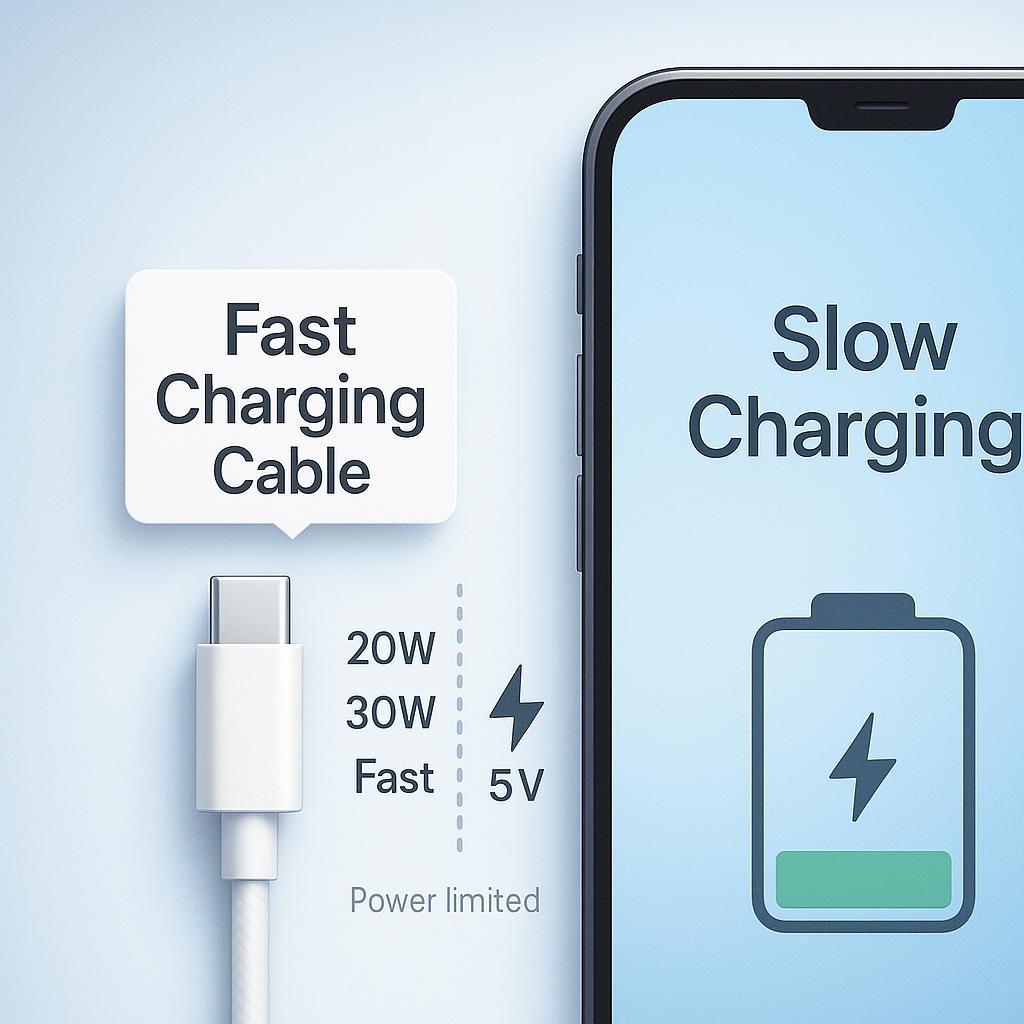
Why Your “Fast Charging Cable” Still Doesn’t Fast Charge Your Phone
A new fast charging cable should speed up your phone, but many users still see “slow charging.” The reason is simple: fast charging depends on the whole system, not just the cable.
Many users buy a new fast charging cable, plug it in, and see almost no difference in speed. Modern smartphones do not simply “take power.” They negotiate voltage, current, and safety limits with the charger through the cable. If anything in this chain does not meet the standard, the phone automatically falls back to basic slow charging to protect the battery.
To understand why your fast charging cable is not delivering fast charging, we need to look at how each part of the charging system works together.
1. A fast charging cable alone does not guarantee fast charging
A fast charging cable is usually built to carry higher current, such as 3 A or 5 A. However, fast charging is not only about current. Your phone and charger must also negotiate a higher voltage level, such as 9 V or 12 V, and they do this using specific charging protocols.
If the cable cannot support or pass through these protocol signals, the phone and charger cannot agree to step up the voltage. In that case, your phone will charge at 5 V only, even if the cable is brand new and marketed as “fast charging.”
2. Your charger may not support fast charging at all
Many people upgrade the cable but continue using an old basic charger. If your wall charger or power bank only supports 5 V at 1 A or 2 A, it will never deliver fast charging, no matter what cable you buy.
To enable fast charging, the charger usually needs to reach at least 18 W to 20 W of power and support a fast charging protocol. Without these features, your phone will correctly show “slow charging,” because it is simply protecting itself from unstable or weak power.
- Look for “20W PD” or higher on USB-C chargers
- Look for “18W QC” on older Android fast chargers
- If the label only shows 5V/1A or 5V/2A, it is a basic charger
3. New cables can still have poor internal quality
“New” does not always mean “high quality.” Many low-cost fast charging cables use thin copper, mixed metals, or high-resistance wiring. These shortcuts cause voltage drop and extra heat along the cable.
When your phone detects unstable or low voltage at the battery input, it slows down the charging process. In some cases, a cheap fast charging cable can charge more slowly than a short, well-built standard cable.
Low resistance, solid copper, stable voltage → smoother fast charging.
High resistance, voltage drop, more heat → phone limits charging speed.
4. Battery temperature protection can override everything
Fast charging naturally produces more heat. If the battery is already warm from gaming, navigation, or heavy use, your phone will automatically limit the charging speed. This is a built-in safety feature to protect battery health and extend its lifespan.
The same can happen in cold environments or when the phone has been under direct sunlight. In all of these cases, the phone prefers slow charging over battery damage.
- Charging right after gaming or video recording
- Charging in a hot car or under direct sunlight
- Using navigation while charging on a dashboard mount
5. Power banks themselves have output limits
If you use a power bank, remember that it needs to support fast output as well. Many older or basic power banks provide only 5 V at 2 A, even if they advertise large capacity and have modern-looking ports.
To enjoy real fast charging, check that the power bank clearly states PD 20 W or a similar fast charging standard. Otherwise, your phone will treat it as a simple standard charger.
6. Dust and dirt in the USB-C port can block fast charging
Over time, pockets and bags push dust, lint, and small debris into the USB-C port. A thin layer of dirt can prevent full contact between the connector pins, which may interfere with protocol communication and current flow.
The phone might still charge, but it may not reach fast charging mode. Cleaning the port gently with a soft, non-metal tool can sometimes restore full charging speed.
7. Your phone may not support fast charging at hardware level
Finally, some smartphones simply do not support fast charging. Their internal charging circuit was designed for standard 5 V input only. No cable or charger can change that hardware limitation.
If your phone was never advertised as fast charging capable, upgrading your cable can still improve durability and reliability, but it will not increase the maximum charging speed.
- A well-built fast charging cable with low resistance
- A charger or power bank that supports PD, QC, or PPS
- A phone that supports fast charging at hardware level
- A battery within a safe temperature range
- A clean and undamaged USB-C port
Conclusion
A fast charging cable is only one piece of the fast charging puzzle. To truly enjoy fast charging, you need a matching charger, a compatible phone, clean connectors, and good temperature control. When all of these factors are aligned, your phone can charge quickly and safely without sacrificing battery health.
If you are looking for reliable fast charging cables, USB-C chargers, and power banks designed for stable performance and safety, explore: www.janonpowerbank.com