Why Your 10000mAh Power Bank Never Feels Like 10000mAh — The Real Reason Will Surprise You
- Share
- Issue Time
- Dec 1,2025
Summary
You can choose a safe power bank in 10 seconds by checking weight, temperature, internal stability, USB-C port alignment, and button response—no specs needed.
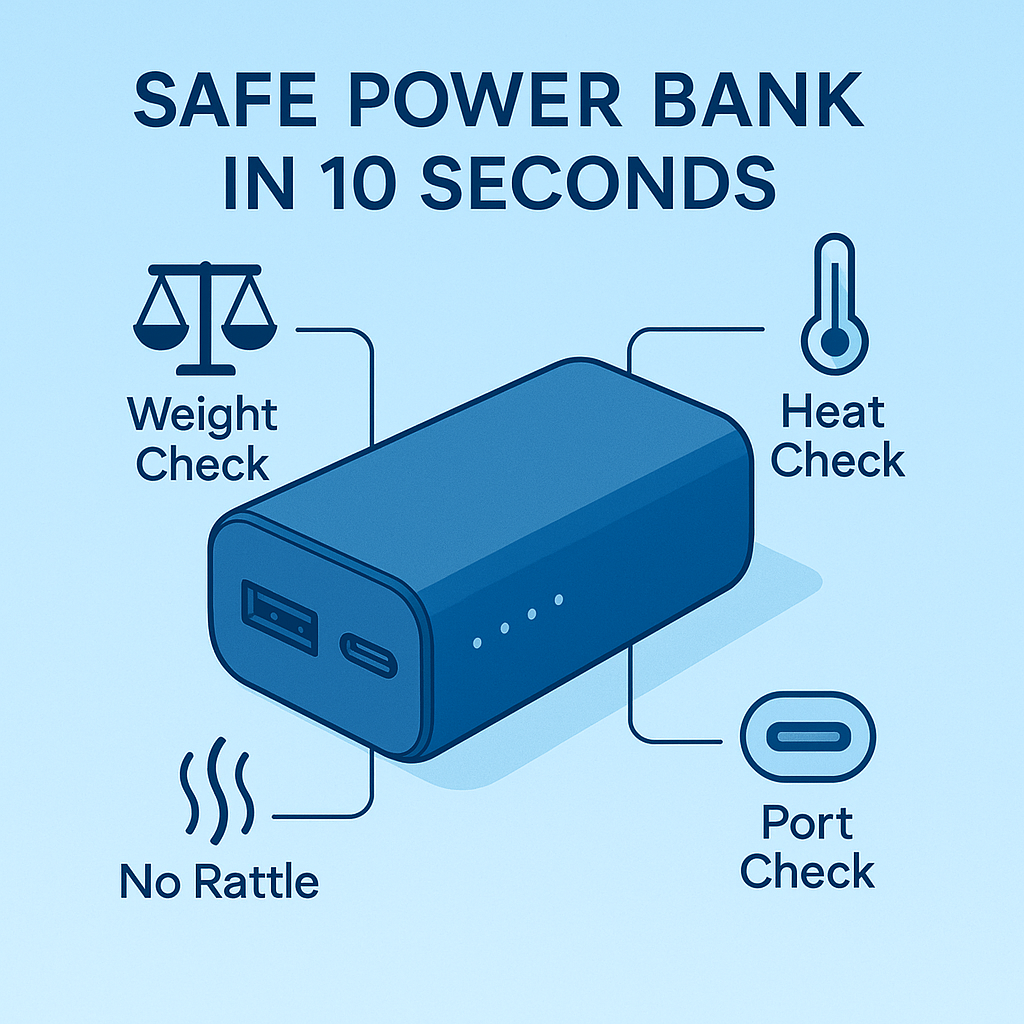
Many users feel overwhelmed by technical terms when shopping for a power bank. In reality, most safety problems can be spotted in less than ten seconds simply by looking, touching, and listening. This guide shows you how to choose a safe power bank without reading a single line of specifications.
1. Check the weight: real cells have real mass
For a 10000mAh power bank, a slightly heavier feeling is often a good sign. High quality lithium polymer cells and proper protection boards simply weigh more. If a so-called 10000mAh power bank feels suspiciously light, it may be using undersized cells or recycled cells that cannot deliver safe and stable output.
2. Feel the temperature after five minutes of charging
A safe power bank, especially a USB-C power bank, should feel warm at most, never hot. Excessive heat usually means inefficient boost circuits, weak protection boards, or mismatched battery cells. Heat is one of the biggest enemies of phone battery health, so any power bank that heats up quickly during charging is not a good choice.
If you can feel noticeable heat on the surface after just a few minutes, consider stopping the test and avoiding that model. Stable temperature is a key sign of a safe power bank.
3. Shake it gently: no rattling allowed
Hold the power bank close to your ear and shake it lightly. A safe power bank should feel solid, with no internal movement. Rattling sounds indicate loose components such as cells, screws, or the protection board. Loose parts can damage insulation layers and lead to internal shorts, which is one of the most dangerous failure modes in cheap power banks.
4. Inspect the USB-C port: alignment reveals build quality
The USB-C port of a safe power bank sits straight and firmly in the housing. If the port looks crooked, sits too deep, or feels wobbly when you plug in a cable, it suggests that the mechanical design and soldering quality are weak. A stable USB-C port usually comes with better internal design, more reliable power delivery, and safer long term use.
Straight, firm USB-C port usually indicates a well designed safe power bank.
Wobbly or misaligned USB-C port is a warning sign of low build quality and higher risk.
5. Press the power button and watch the response
A good safe power bank gives clear button feedback and smooth startup. The button click should feel crisp, and the LED indicators should turn on quickly and consistently. If the button feels mushy, unresponsive, or behaves differently each time, it is often a sign of a cheap control board inside.
External details cannot tell you everything about a power bank, but reliable brands rarely pair a strong internal design with poor external components. When the outside feels bad, the inside is usually worse.
6. Quick bonus check: does it support USB-C input and output
Modern safe power banks almost always support USB-C input and output on at least one port. Models that still depend on Micro USB only are often using older charging controllers and less advanced safety features. For long term phone battery safety and compatibility, choosing a USB-C power bank is the better option.
7. Ten second safety checklist
When you pick up a new power bank in a store or receive one from an online order, run through this quick checklist:
- Does it feel solid and slightly heavy for its rated capacity
- Does it stay cool or only lightly warm during early charging
- Is there any rattling sound when you shake it gently
- Is the USB-C port straight, firm, and comfortable to plug
- Does the power button click cleanly and trigger LEDs correctly
- Does it offer USB-C input and output rather than only Micro USB
Related search terms: safe power bank, USB-C power bank, power bank safety checklist, 10000mAh power bank, phone battery safety, fast charging safety.
Conclusion
Choosing a safe power bank does not require technical knowledge. By checking weight, temperature, internal noise, USB-C port alignment, and button feedback, you can filter out most unsafe models in a few seconds. These simple checks protect both your smartphone battery and your personal safety.
In the long run, engineering quality matters more than printed numbers. A well built USB-C power bank with stable protection circuits will serve you better than a cheap device with impressive labels but weak safety design.
Explore safe USB-C power banks, smartphone batteries, and fast chargers designed for real world safety and performance at www.janonpowerbank.com .