Why Some Cables Start Charging Only After You Move the Connector
- Share
- Issue Time
- Apr 14,2026
Summary
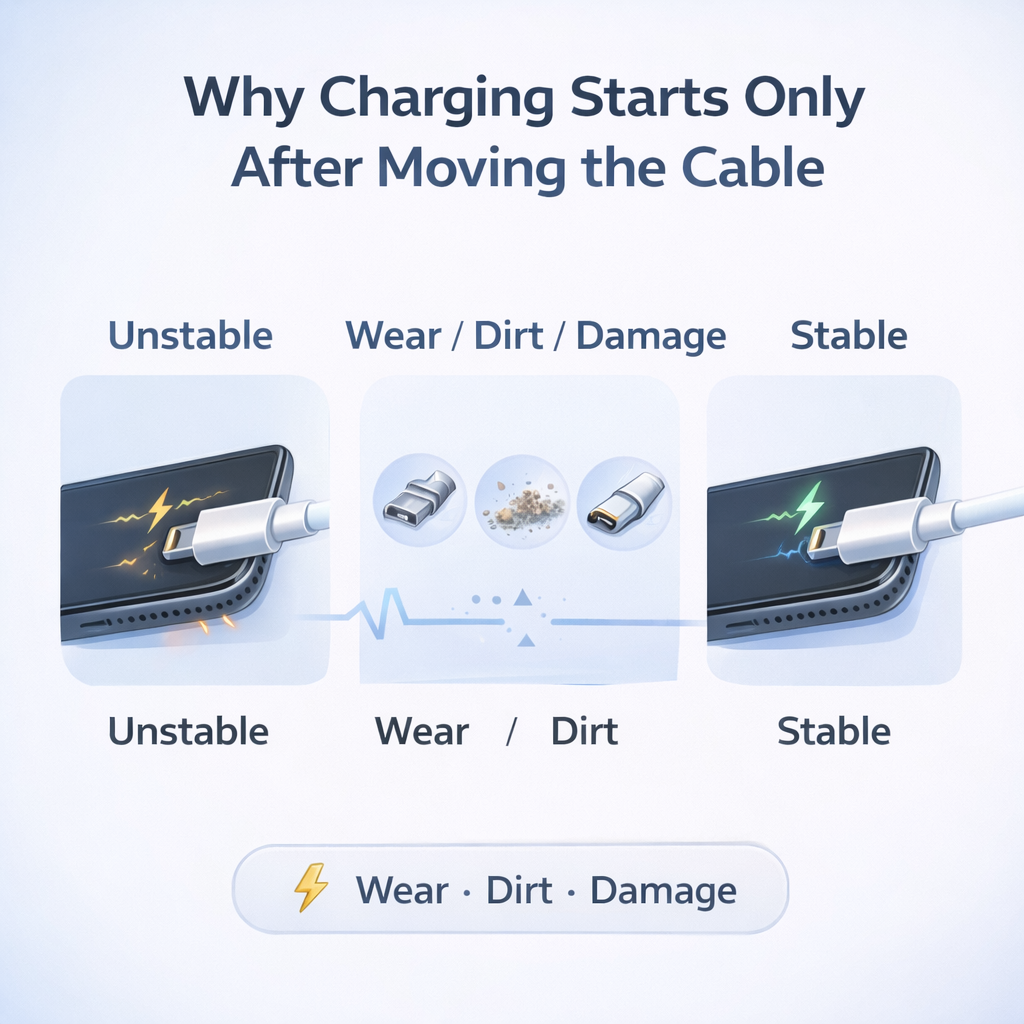
If a cable only starts charging after you move the connector, the problem is usually an unstable electrical connection. Worn contacts, dirt, oxidation, internal cable damage, or a loose port can all make charging work only at certain angles.
Why Some Cables Start Charging Only After You Move the Connector
When a cable starts charging only after you move the connector, the real issue is usually an unstable electrical connection. The movement does not fix the problem. It only changes the contact just enough for charging to begin temporarily.
Why this happens
Many users have seen the same pattern: the cable is plugged in, nothing happens, then the connector is moved slightly and charging suddenly begins. Move it again, and charging stops. This feels random, but in most cases it is a classic intermittent connection problem.
Charging does not start because the cable “wakes up.” It starts because the contact geometry changes just enough for the connection to become electrically acceptable for a moment.
The main technical reasons behind it
Contact pressure is no longer stable
Charging requires more than simple metal touch. The connector needs enough contact pressure, low enough resistance, and a stable electrical path. If the connection sits right on the edge between acceptable and unacceptable, even a small movement can make charging begin or stop.
Worn or loose contact points
Repeated plugging and unplugging slowly changes the tiny contact surfaces inside both the cable plug and the phone port. Spring tension can weaken, contact pressure can fall, and fit can become looser. When the connector is moved, the metal surfaces press together differently and may briefly reduce resistance enough for charging to start.
Dirt, lint, and oxidation
A surprising number of unstable charging cases are caused by contamination rather than dramatic hardware failure. Dust, pocket lint, skin oil, oxidation, or moisture-related residue can interfere with connector pins. Moving the connector changes how those surfaces scrape against each other and may restore temporary contact.
Internal cable damage near the connector
Internal cable damage often appears near the plug, where the cable experiences the most bending, pulling, and twisting. The outside may still look normal, but conductor strands or solder joints inside may already be weakened. When the connector is moved, those damaged internal points may reconnect briefly and allow power to pass.
Why modern devices are less forgiving
In older or simpler charging systems, weak contact might still allow some power to pass. Modern devices are often less tolerant. Many phones and chargers now check voltage stability, current path quality, protocol handshake, and protection conditions before they allow charging to continue normally.
That means a connection can be “almost connected” and still fail completely if the device decides the electrical path is not stable enough.
Cable problem or port problem
Users often assume the cable is bad, and sometimes that is true. But the same symptom can also come from a dirty phone port, a loose internal port structure, a worn charger-side connector, or poor fit between the plug and the port.
A simple check can help:
- try the same cable on another device
- try another reliable cable on the same phone
- try a different charger
- check whether the issue appears only at one end
What users should do
- Inspect and clean the phone port carefully.
- Test with another reliable cable.
- Stop bending the cable near the connector.
- Replace the cable if the issue keeps repeating.
- Repair the device port if multiple cables show the same symptom.
Bottom line
When a cable starts charging only after you move the connector, the real problem is usually an unstable connection rather than a mysterious random fault. The underlying cause is often worn contacts, dirt, oxidation, internal cable damage, or looseness on the port side. The movement is not the cure. It is only exposing the problem more clearly.
For more insights on batteries, cables, chargers, and power banks, visit our website:
https://www.janonpowerbank.com>