How to Spot a Bad USB-C Cable in 30 Seconds
- Share
- Issue Time
- Dec 29,2025
Summary
Many USB-C cables look identical, but low-quality ones often show quick warning signs. This article shares a 30-second checklist to spot bad cables by connector wobble, weak strain relief, poor jacket consistency, early heat, and unclear ratings, helping you avoid unstable charging and early failure.
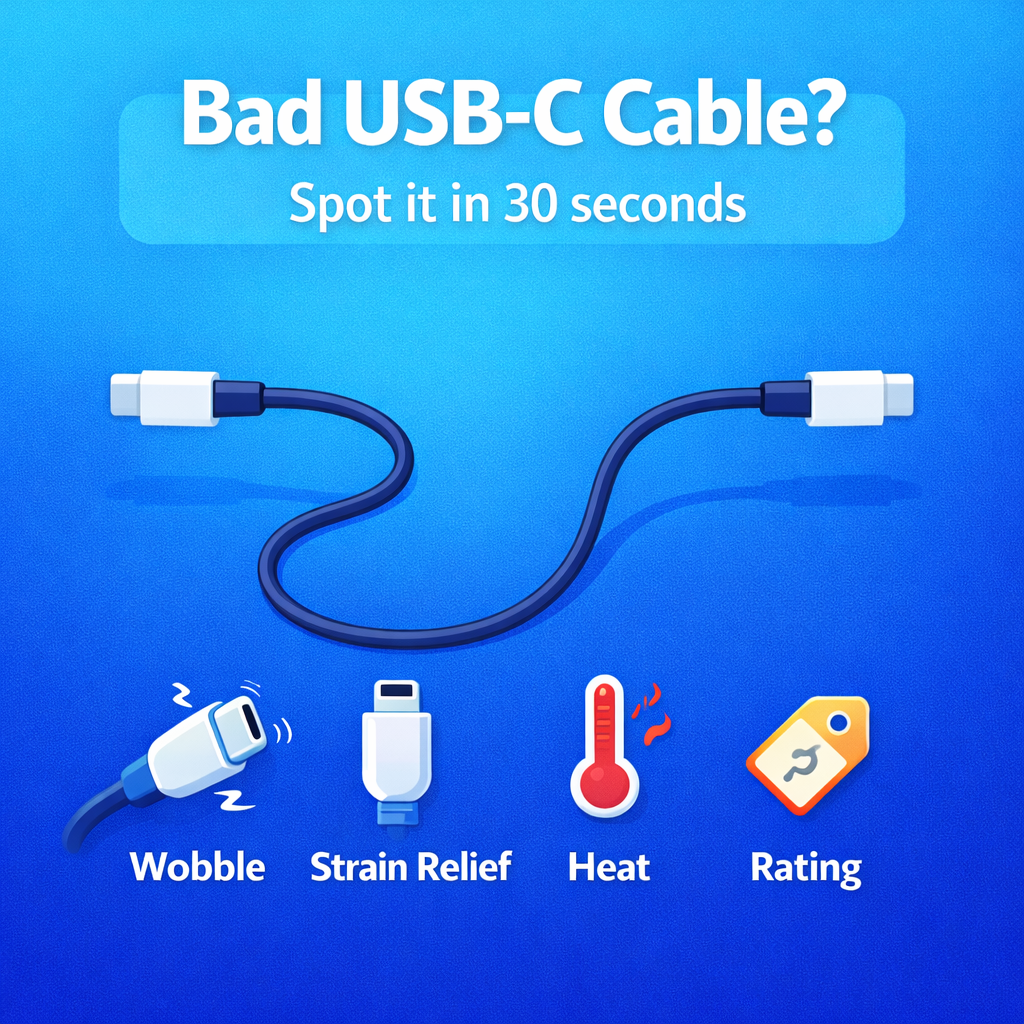
How to Spot a Bad USB-C Cable in 30 Seconds
Most USB-C cables look the same at a glance. That is exactly why low-quality cables sell so easily. The good news is you can often spot a bad USB-C cable in about 30 seconds, without special tools, if you know what to look for.
30-Second Goal
You are not proving a cable is perfect. You are filtering out common failure patterns fast.
What Bad Cables Cause
Loose connection, unstable speed, higher heat, and shorter lifespan under daily bending.
The 30-Second Checklist
Use these quick checks to spot warning signs without any tools. If a cable fails the basics, it is not worth trusting for fast charging or daily heavy use.
| Check | What To Do | Red Flag |
|---|---|---|
| Connector fit | Plug in and lightly move the connector | Wobble, loose feel, easy disconnect |
| Strain relief | Inspect the cable-to-connector joint | Short, thin, overly soft joint area |
| Jacket consistency | Feel the cable body end to end | Uneven thickness, rough or sticky finish |
| Early heat | Charge for 30-60 seconds under load | Connector gets noticeably hot quickly |
| Spec clarity | Check for rating and traceable brand info | No rating, no certification language, no traceability |
What Each Check Tells You
Loose connectors often lead to intermittent charging and unstable speed. Weak strain relief increases the chance of conductor damage near the connector. Poor jacket consistency is a common signal of low manufacturing control. Early heat is a strong clue that energy is being wasted as resistance inside the cable, and it can also indicate poor contact quality.
Quick Rule Of Thumb
If a cable is loose, heats up fast, or feels poorly finished, it will likely deliver less stable charging and fail sooner under daily use.
The Real Conclusion
In 30 seconds, you are filtering out the most common failure patterns: loose connectors, weak strain relief, poor jacket quality, and early heat. If a cable fails these checks, do not trust it for fast charging or heavy daily use.
A reliable USB-C cable helps your charger and phone perform as designed, with less heat, fewer interruptions, and more consistent speed. If you want stable charging performance across different devices and daily use, choosing a well-built cable is one of the easiest upgrades you can make.
To explore USB-C cable solutions designed for stable charging performance and reliable build quality, visit